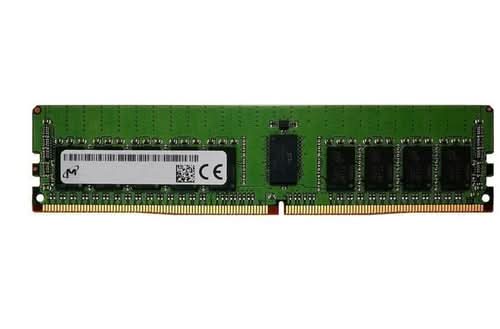
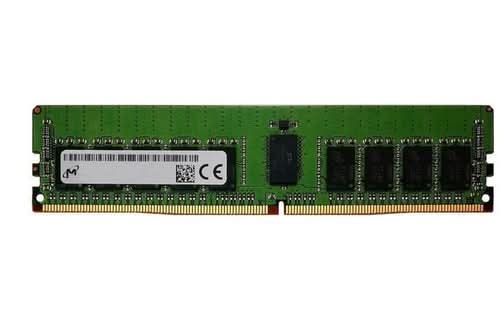
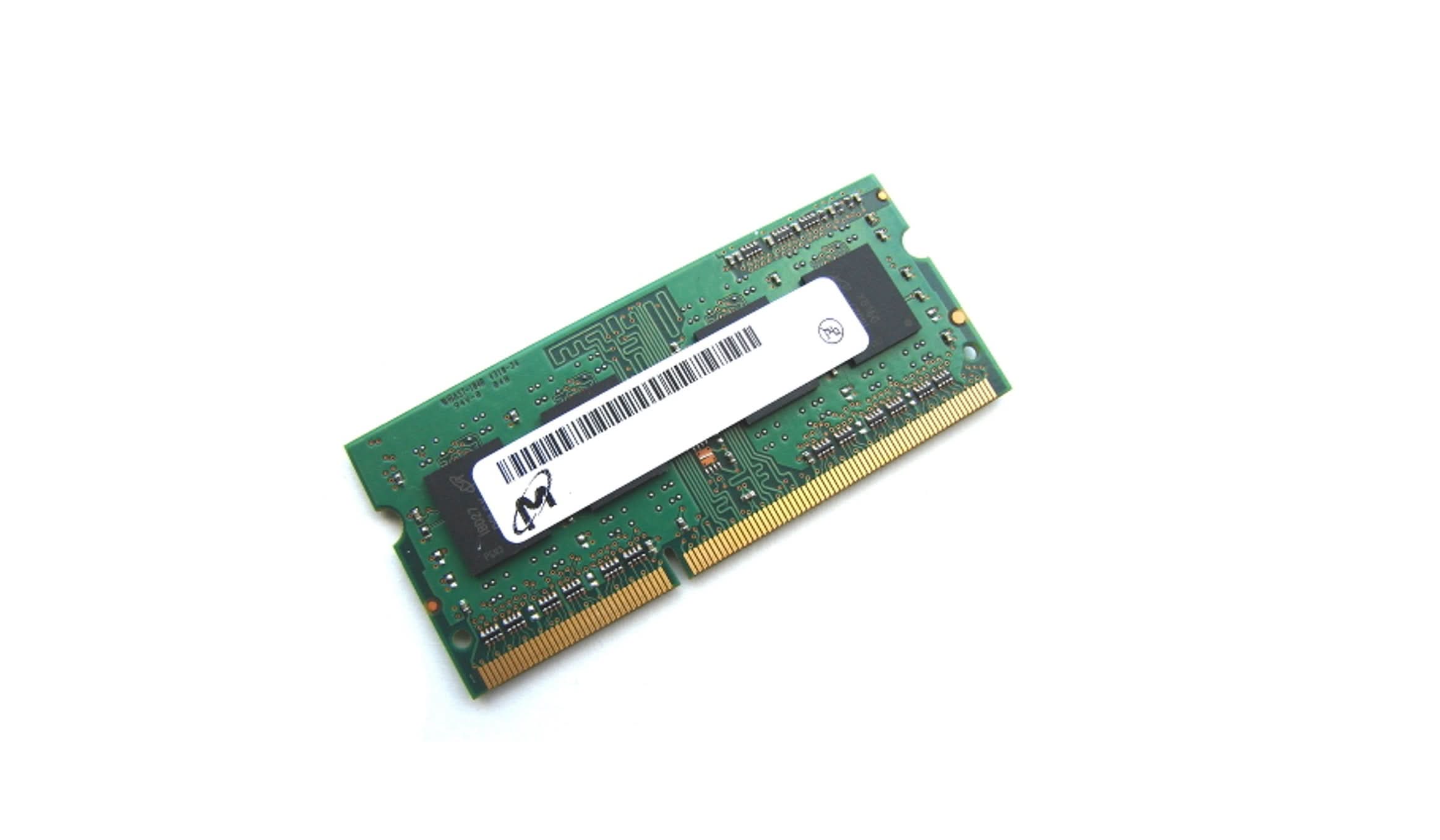
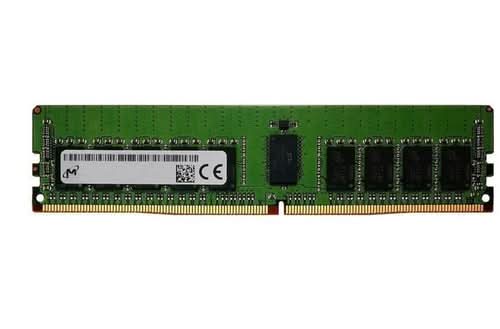
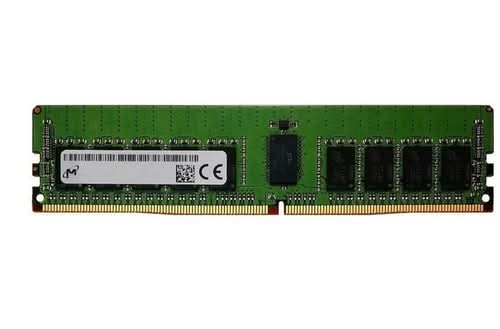
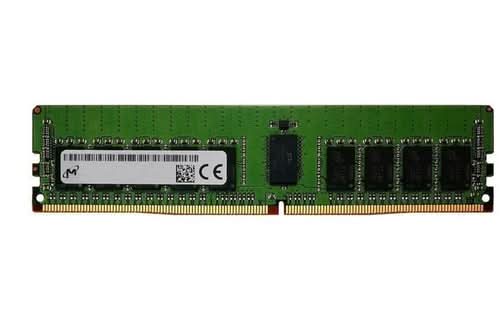
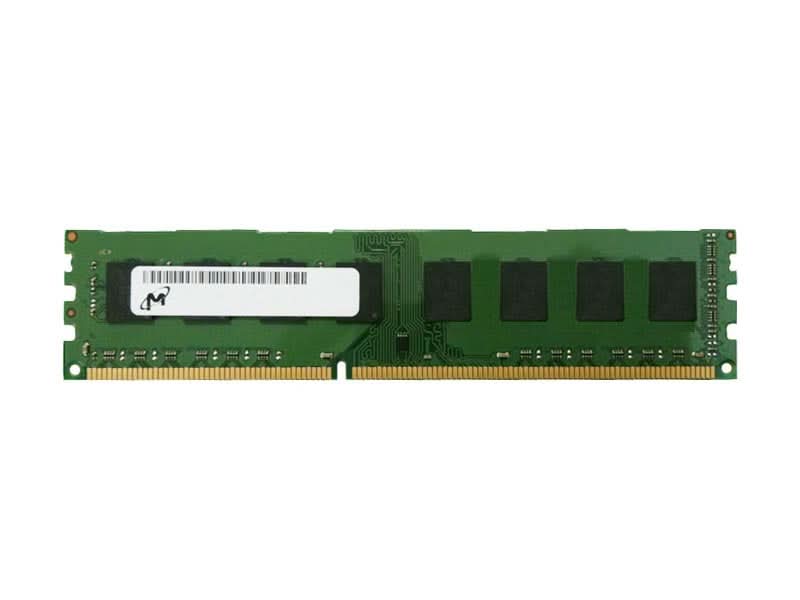
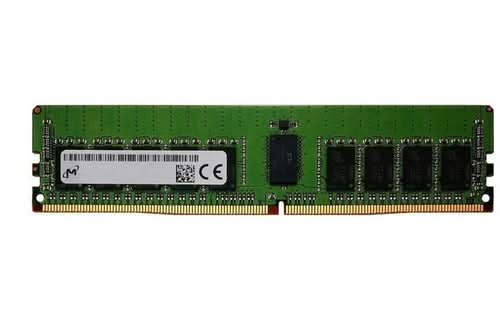
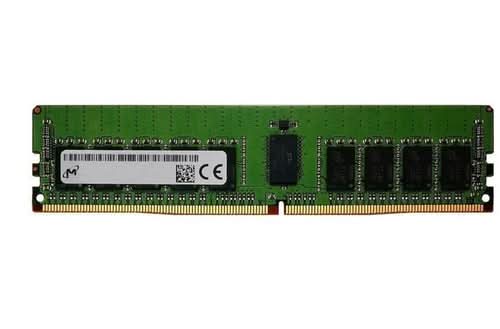
Micron 16GB DDR4 SDRAM Memory Module For Notebook, Workstation, Server 16 GB
Micron Server/Workstation DDR4 DRAM User benefits Improve overall performance on your server or workstation systems Expand virtualization count per server reducing the total cost of ownership and increasing ROI Decrease the cycle time for Artificial Intelligence (AI) and Machine Learning (ML) operations Reduce application latency by maintaining the entire application in memory Select the right module type for your system from a wide range of choices Extensively tested to meet rigorous JEDEC enterprise-class standards Find your compatible memory with the online Micron part finder Talk to a support specialist in case you are unsure what to buy 3-year limited warranty The system''s lifeblood. If you consider the CPU of your server or workstation the brains, then the system memory would be considered the lifeblood of the system. The amount of memory in your system will dictate the overall performance. Generally speaking, the more memory in the system, the higher the overall performance you can expect. System memory installations or upgrades are incredibly easy with the socket used on the motherboard. No special skills or tools are needed to complete the task. Maximizing Server Virtualization Servers supporting virtualization applications are highly dependent upon the amount of memory installed. Multiple virtualized servers can coexist on the same physical server as long as the total amount of memory installed can meet the need of each individual virtualized server. Reduce Application Latency When a server or workstation is running an application that exceeds the memory of the server, it is forced to offload portions of the application to the online storage system like an SSD. When the application needs to swap portions of itself out and bring in other parts from the SSD, the latency can increase significantly. By ensuring the system has enough memory to hold the entire database or application, the overall application latency can be greatly reduced, sometimes by orders of magnatude. Extensive TestingMicron Server and Workstation DRAM modules run through an extensive line of tests at both the component and module level before they are released to our partners and customers. Enterprise and Cloud customers can rest assured that our modules leave our factory only after meeting the exacting JEDEC specifications established for enterprise-class systems. All the key ECC module typesMicron offers an extensive line of module types designed for servers and workstations that require ECC protection. This includes: RDIMM and VLP RDIMM LRDIMM ECC UDIMM and VLP ECC UDIMM ECC SODIMM
Micron Server/Workstation DDR4 DRAM User benefits Improve overall performance on your server or workstation systems Expand virtualization count per server reducing the total cost of ownership and increasing ROI Decrease the cycle time for Artificial Intelligence (AI) and Machine Learning (ML) operations Reduce application latency by maintaining the entire application in memory Select the right module type for your system from a wide range of choices Extensively tested to meet rigorous JEDEC enterprise-class standards Find your compatible memory with the online Micron part finder Talk to a support specialist in case you are unsure what to buy 3-year limited warranty The system''s lifeblood. If you consider the CPU of your server or workstation the brains, then the system memory would be considered the lifeblood of the system. The amount of memory in your system will dictate the overall performance. Generally speaking, the more memory in the system, the higher the overall performance you can expect. System memory installations or upgrades are incredibly easy with the socket used on the motherboard. No special skills or tools are needed to complete the task. Maximizing Server Virtualization Servers supporting virtualization applications are highly dependent upon the amount of memory installed. Multiple virtualized servers can coexist on the same physical server as long as the total amount of memory installed can meet the need of each individual virtualized server. Reduce Application Latency When a server or workstation is running an application that exceeds the memory of the server, it is forced to offload portions of the application to the online storage system like an SSD. When the application needs to swap portions of itself out and bring in other parts from the SSD, the latency can increase significantly. By ensuring the system has enough memory to hold the entire database or application, the overall application latency can be greatly reduced, sometimes by orders of magnatude. Extensive TestingMicron Server and Workstation DRAM modules run through an extensive line of tests at both the component and module level before they are released to our partners and customers. Enterprise and Cloud customers can rest assured that our modules leave our factory only after meeting the exacting JEDEC specifications established for enterprise-class systems. All the key ECC module typesMicron offers an extensive line of module types designed for servers and workstations that require ECC protection. This includes: RDIMM and VLP RDIMM LRDIMM ECC UDIMM and VLP ECC UDIMM ECC SODIMM
Original: $166.00
-70%$166.00
$49.80Description
Micron Server/Workstation DDR4 DRAM User benefits Improve overall performance on your server or workstation systems Expand virtualization count per server reducing the total cost of ownership and increasing ROI Decrease the cycle time for Artificial Intelligence (AI) and Machine Learning (ML) operations Reduce application latency by maintaining the entire application in memory Select the right module type for your system from a wide range of choices Extensively tested to meet rigorous JEDEC enterprise-class standards Find your compatible memory with the online Micron part finder Talk to a support specialist in case you are unsure what to buy 3-year limited warranty The system''s lifeblood. If you consider the CPU of your server or workstation the brains, then the system memory would be considered the lifeblood of the system. The amount of memory in your system will dictate the overall performance. Generally speaking, the more memory in the system, the higher the overall performance you can expect. System memory installations or upgrades are incredibly easy with the socket used on the motherboard. No special skills or tools are needed to complete the task. Maximizing Server Virtualization Servers supporting virtualization applications are highly dependent upon the amount of memory installed. Multiple virtualized servers can coexist on the same physical server as long as the total amount of memory installed can meet the need of each individual virtualized server. Reduce Application Latency When a server or workstation is running an application that exceeds the memory of the server, it is forced to offload portions of the application to the online storage system like an SSD. When the application needs to swap portions of itself out and bring in other parts from the SSD, the latency can increase significantly. By ensuring the system has enough memory to hold the entire database or application, the overall application latency can be greatly reduced, sometimes by orders of magnatude. Extensive TestingMicron Server and Workstation DRAM modules run through an extensive line of tests at both the component and module level before they are released to our partners and customers. Enterprise and Cloud customers can rest assured that our modules leave our factory only after meeting the exacting JEDEC specifications established for enterprise-class systems. All the key ECC module typesMicron offers an extensive line of module types designed for servers and workstations that require ECC protection. This includes: RDIMM and VLP RDIMM LRDIMM ECC UDIMM and VLP ECC UDIMM ECC SODIMM